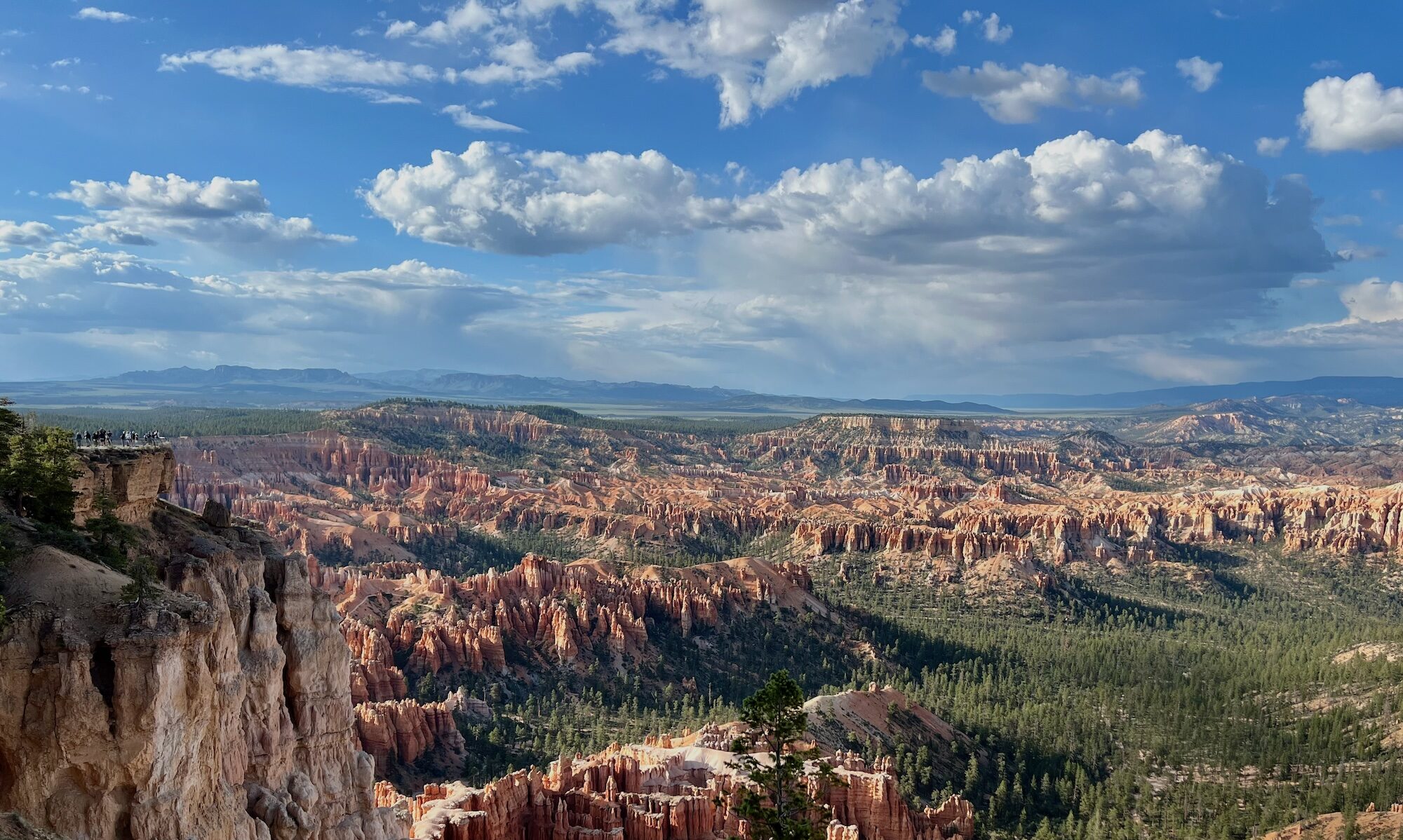
You have to admit that plastering stop graffiti signs is, well, not quite as interesting as graffiti.
I actually sort of like the overall effect. Though I have to admit it does make me want to start plastering “Stop Stop Graffiti Signs” everywhere.
Lessons learned publishing from Ulysses to WordPress…
Recently I’ve started writing using Ulysses for my Mac and, though not quite as often, on my iPad and iPhone. It’s a simply a great, simple editor using Markdown to format things. And it outputs to a number of formats including HMTL, PDF, Word, and, as here, publish to WordPress.
And that’s the rub. In truth, this is not a Ulysses problem at all. The same things can happen from any external editor that publishes to WP. I was able to duplicate the problem with MacJournal, I product I love…but never seem to use. I keep it around though, always promising…
Here’s the problem…the dread HTTP Error…the one that provides no additional information…just fails.
Well for me, it turned out that while I could post text entries, anything with a photo of any viewable size was failing. I wasn’t sure if it was my WordFence installation blocking me so I turned that off for a bit…still failed.
Back to the drawing board. There are actually a number of posts about HTTP Error errors…but most of them simply suggested changing the PHP memory limit – mine is pretty maxed out, or mucking about with the Imagick process limit in the .htaccess file. I’d tried those to no avail.
And then came across the wpbeginner.com site which held my answer; change the image processor.
ImageMagick (Imagick) is apparently the default on my setup (Bluehost), but GD Library is available as well. It seems, according to the article I read, to have fewer problems.
I edited my themes functions.php and voila! Fixed. This was the code I added per the article I’ve linked above:
function wpb_image_editor_default_to_gd( $editors ) {
    $gd_editor = 'WP_Image_Editor_GD';
    $editors = array_diff( $editors, array( $gd_editor ) );
    array_unshift( $editors, $gd_editor );
    return $editors;
}
add_filter( 'wp_image_editors', 'wpb_image_editor_default_to_gd' );
Nice.
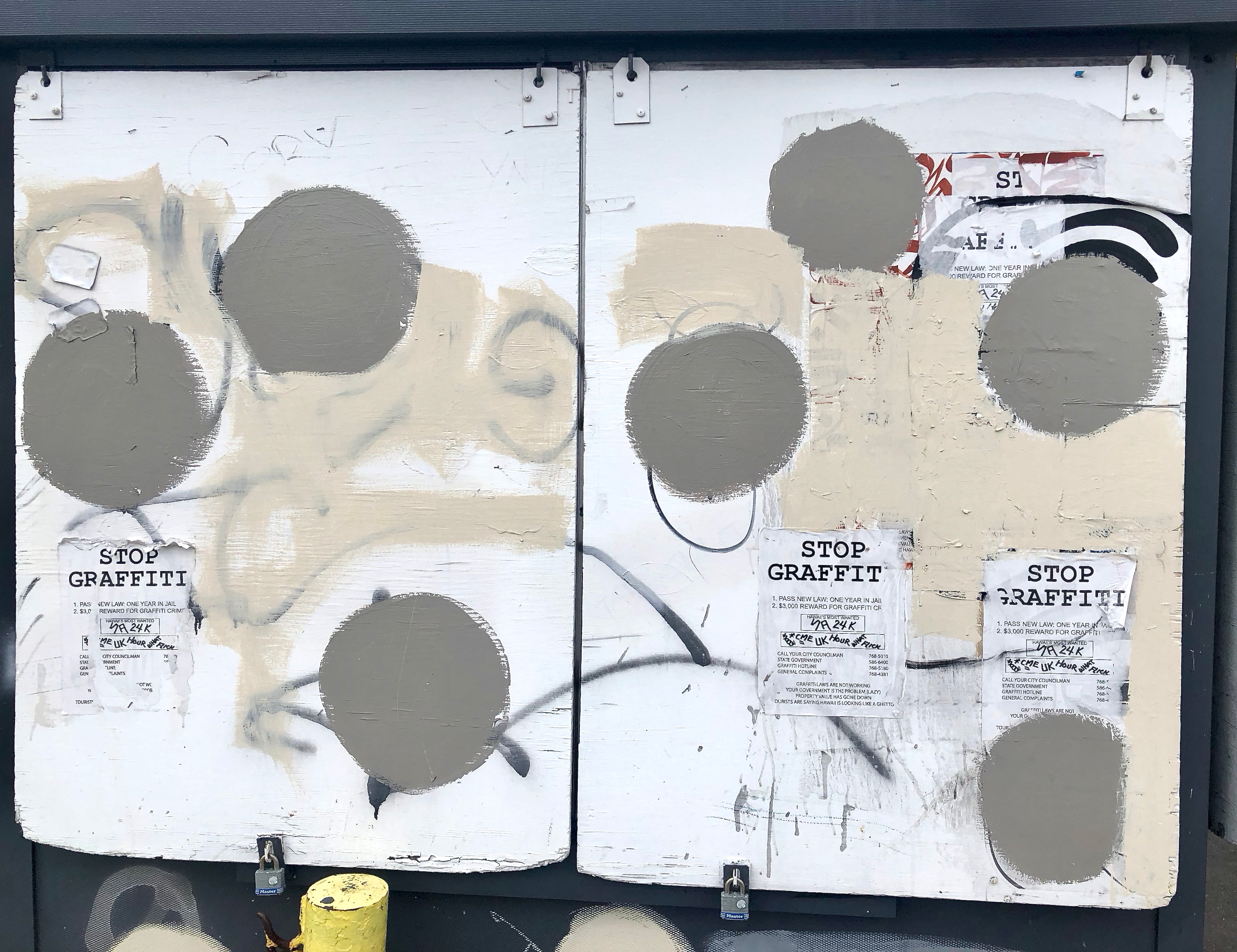
To prove it, here’s a big image which should have uploaded with no trouble! Yes!
Scanners…
No, not that kind…
My Pacific Image PrimeFilm XA arrived a day early and yes, I was up way too late playing with it….of course. I used the Silverfast 8.8 software included, though I did have to download that myself as the included CD didn’t work with my iMac. I do have a CD player, but the running the software off of it simply failed. Mind you, I am running a beta version of Mojave so…mileage may vary.
My very first try at scanning, with the Lanai image that I really like, was a complete success. It’s much better than the medium size scan I had done by the folks who processed my film. I should say this, it’s not their fault mine is better. I didn’t ask them to do a scan at the same quality this scanner can do. In truth, they can probably do a much better one than this machine can…if I pay for it. I didn’t.
And that’s really the deal here. I’m an amateur and I own the negatives. If I really want a great scan I’ll always have the ability to get one done. It’s likely that the negatives, stored properly, will outlast me, so…not a worry. At least not that kind of worry.
As for the price, at about $17 a roll for okay scanning and $400 for the scanner, you can see that by the time I run 25 rolls through it, it’ll have paid for itself. Nice.
That’s actually the one I’m printing (okay, that’s cheap — not super quality and I have cropped it a bit so that it’ll fit, with a border, in my cheap Sally Store 8×10 frame. But I’m happy and, given no animals were hurt during production, that’s what matters. Besides, I’m giving it away as a gift.
Aloha!
Apps crashing…still making images…
I’m running the latest version of OS X, Mojave. It’s not actually out as production software yet, I’m using it through the beta program. I haven’t had a lot of trouble with it…until today. Sigh.
Admittedly, it’s not a huge problem but still. I’ve been playing around with the Luminar photo editing program recently. I’ve also gotten a copy of Aurora, the HDR program by the same folks. I’ve got to admit I like ‘em. While I admit it feels like cheating to simply apply filters, it’s also easy and frankly, I’m not huge on tweaking images for hours. If I can find a filter that makes my image look like the one in my head, so much the better. Sometimes you still have to tweak it a bit.
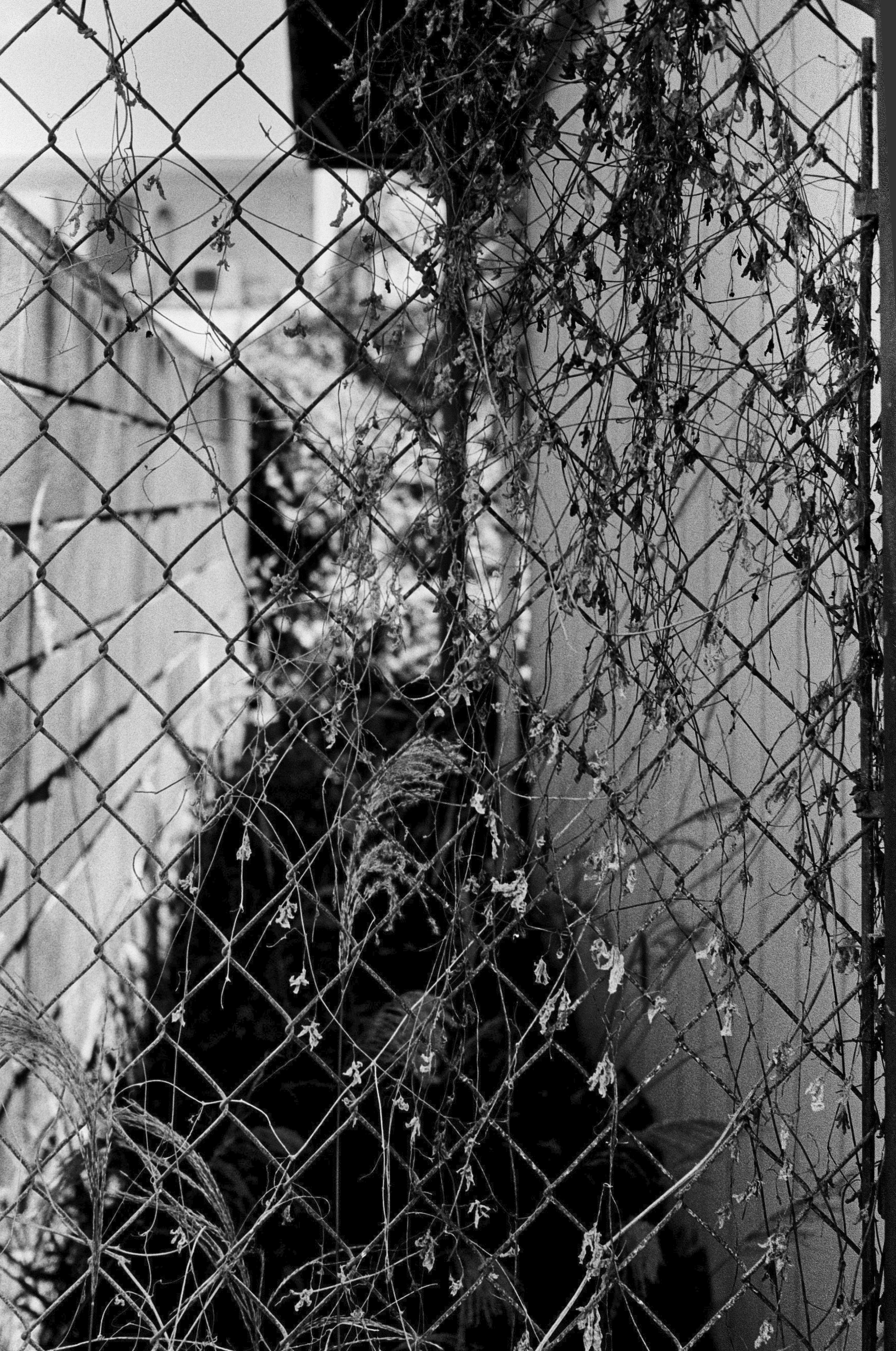
This one broke the bank. That is to say, every time I applied a filter, the program would crash. Just started this morning, but it’s the first time I’ve used Luminar since my beta copy of Mojave updated a day or two ago. So…well…I sent of a problem report and moved on to other things.
Nice, eh?
Lanai…
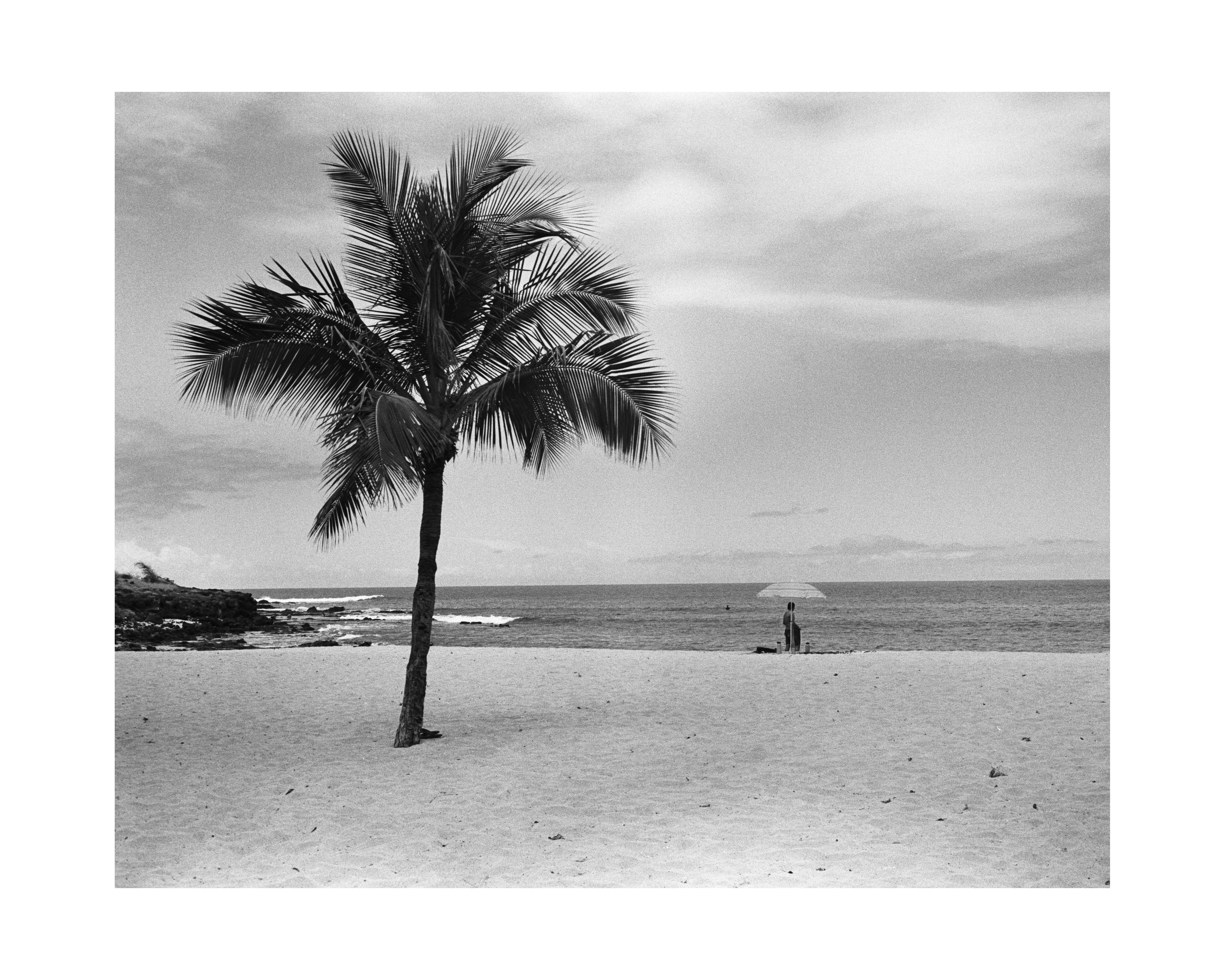
So…as I’ve been saying, I shot my Maui trip with film and…I can’t say I’m overly pleased with my results. I got some pretty good shots, or at least ones I like, but also got some real dreck. I’m going to do a bit of research into what happened, but in the meantime I’m simply going to post one shot I liked.
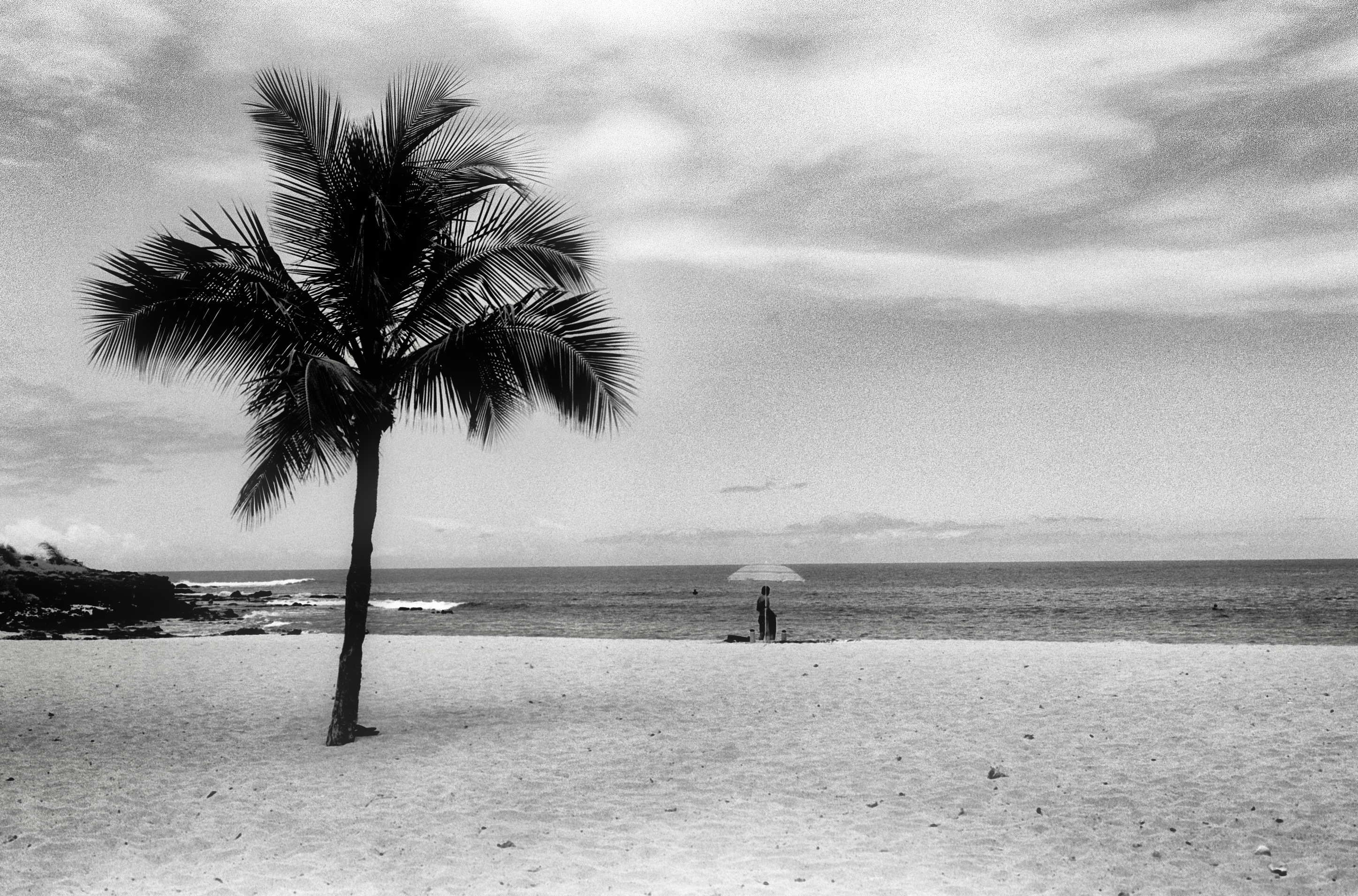
Aloha!
Digital for a bit…
Since my new scanner is being shipped I’ve held off on any more film for the moment. No need to get backed up on things to do. That means I’m back out with my Fujifilm X100F today…and probably for a bit. Film is fun, but so is instant gratification.
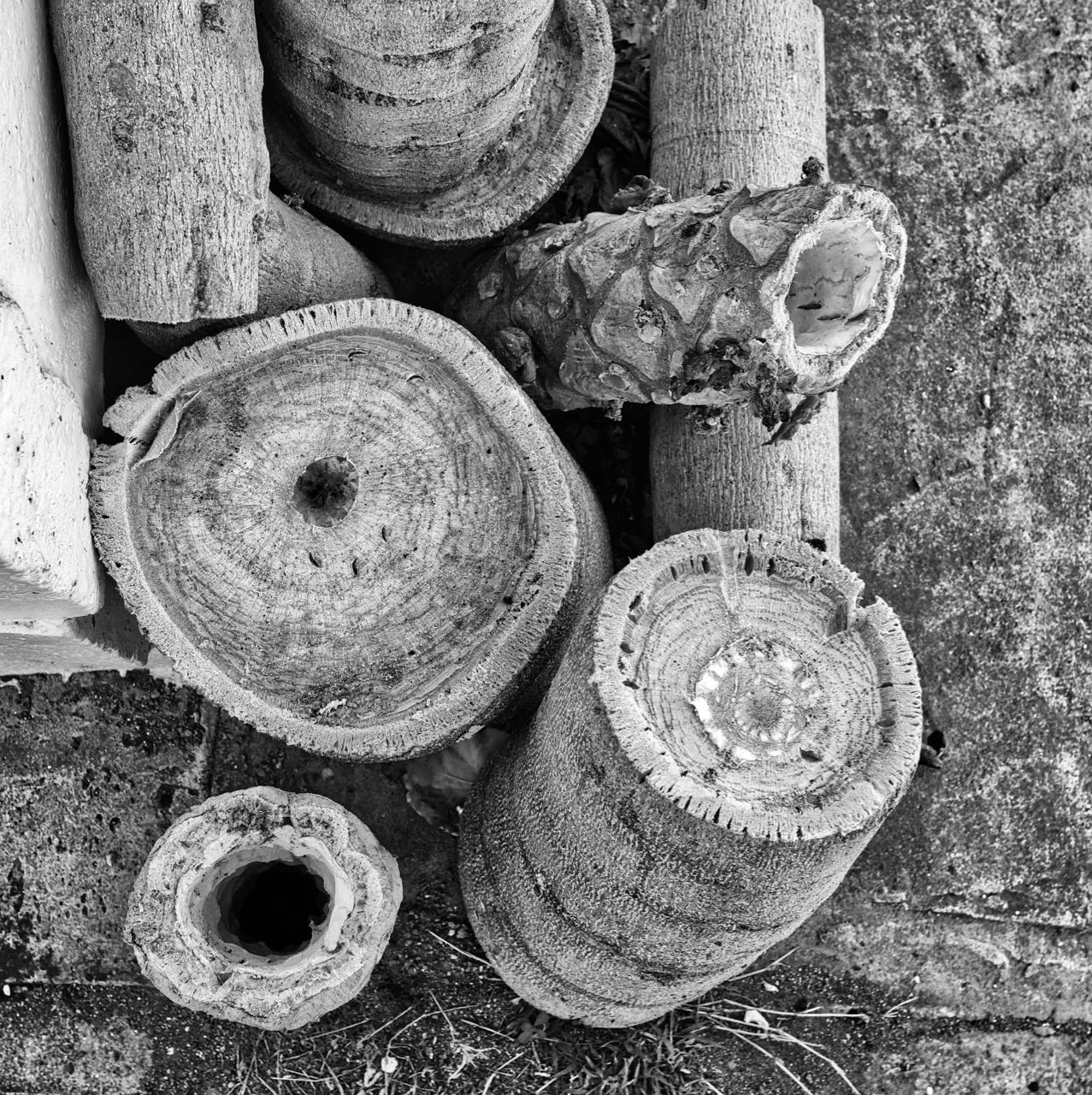
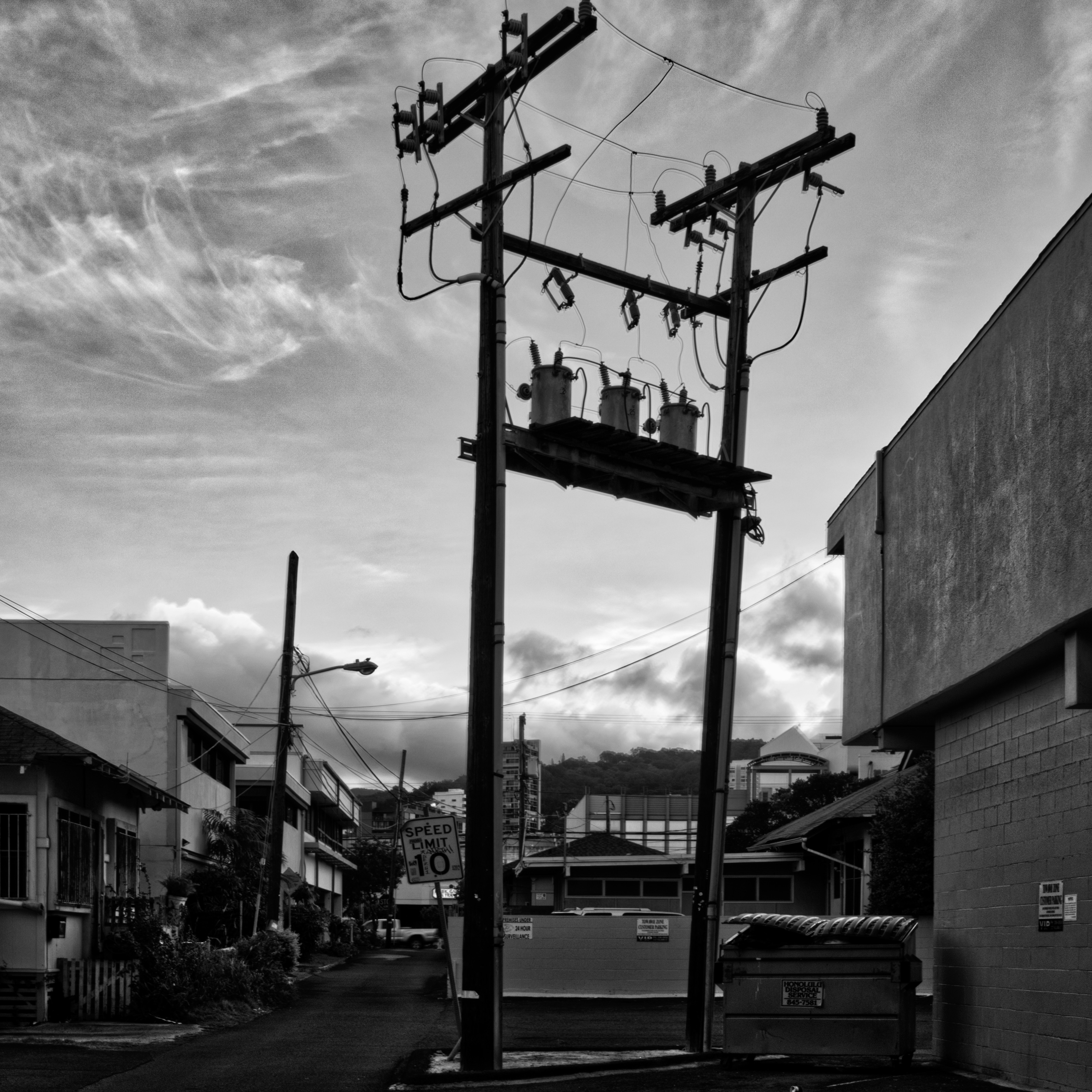
I’m still wandering around the neighborhood on break and capturing things big and small though. There’s plenty to shoot in just a couple of blocks.
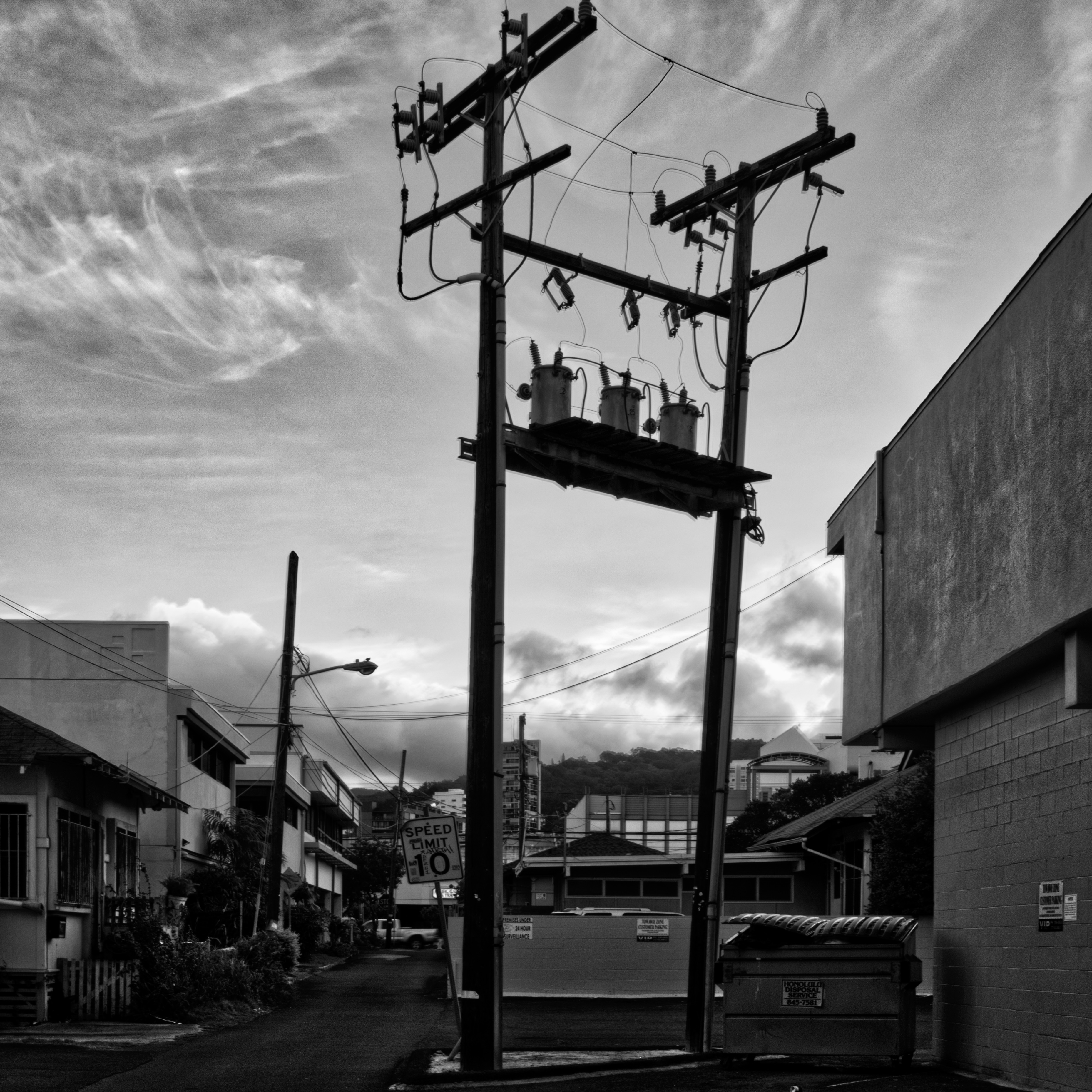
That’s a slightly different version of a photo from a few days ago. It’s a new shot, not a reworking, done about the same time of day. Then there’s the neighborhood valve controls…
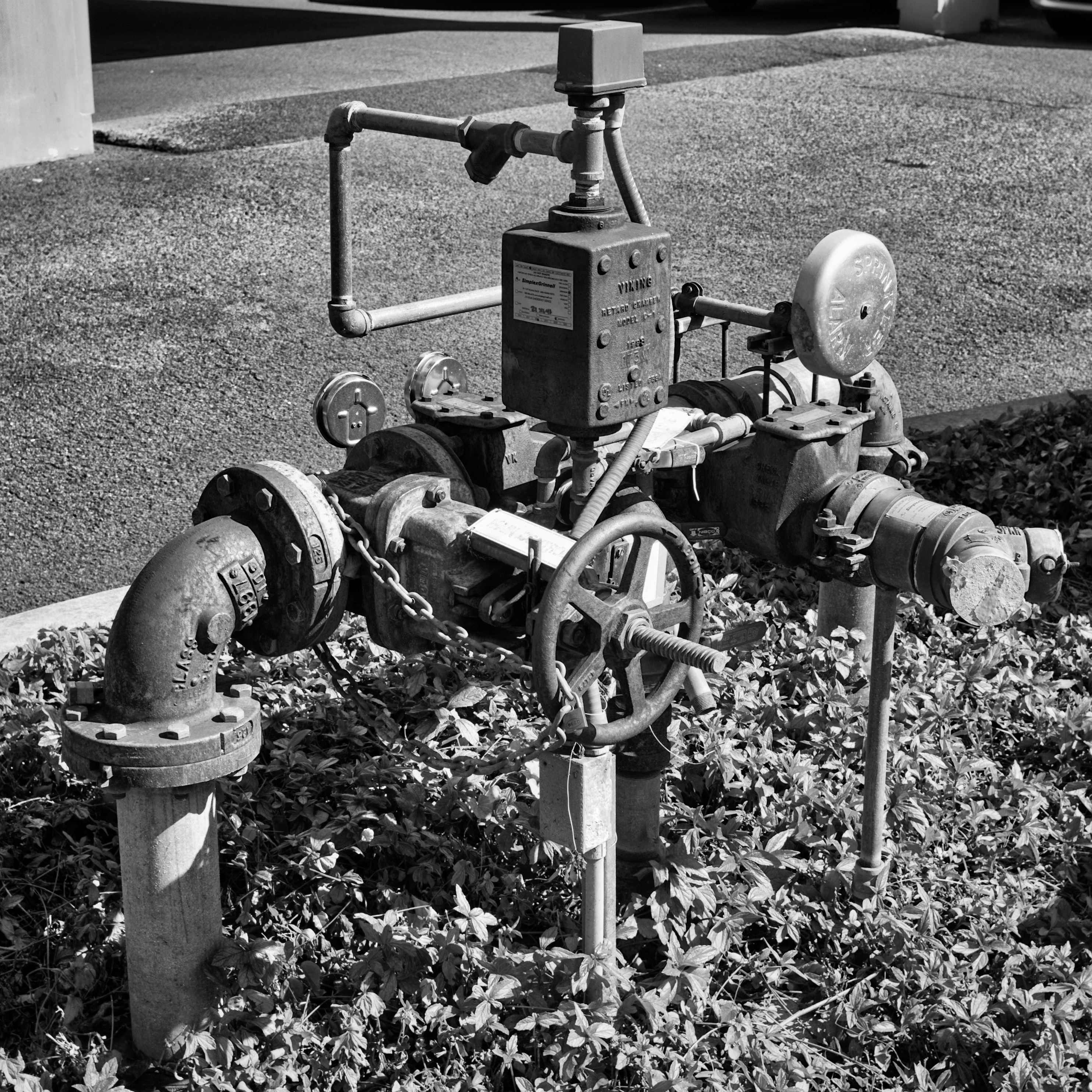
As you can see, even if they aren’t your cup of tea, there’s plenty to see in just a block or two from home. Go try it yourself!
Back from Maui in B&W…
I’d love to say I’ve got some shots to show you from Maui, especially since I was all over the map there…but no…at least not yet. As I said I would, I took the Canonet with me and shot in B&W. I’ve dropped the film off to be processed and am hopeful the camera worked well…but I’ve not clue.
Isn’t film fun?
With digital cameras you know right away if you’ve gotten the shot you wanted. It might not be quite right, but you can tell you’ve at least gotten something. Not so with film. It goes double for a rangefinder because you can leave the cap on the lens and never know.
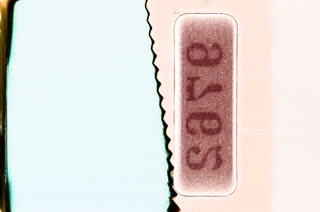
That isn’t quite what you’d see, but you get the idea. That’s actually a bit of the leader film from my Voigtlander Symbolica.
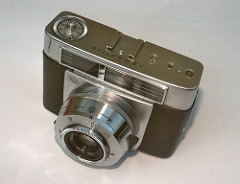
It’s a fun little camera that I’ve found is mostly out of focus. It’s a zone focus camera which means pretty much everything you think is in focus isn’t, but something else probably is.

You can get things more or less right though and it is fun.
Okay, now for the big news. Since I last shot film, really not that long ago, it’s become quite expensive to process. Back when I started getting back into film a decade ago you could still drop film off at a box store, have it processed (admittedly not with supreme care) and scanned to CD all in a couple of hours. You’d even get your negatives back. No more. Pretty much every place I know of here in Hawaii has stopped that practice.
Luckily you can still get film developed and scanned, delivered online even, but it’s more expensive as it’s far more of a niche market than it was before. Sigh.
I’ve been using Treehouse over at SALT in Kakaako. I can highly recommend them. They do send out the film, but it’s great little shop specializing in this particular niche market. Go check ‘em out.
But I’ve come to realize it’s going to get expensive to have my rolls scanned. I’m not complaining, but I’m not continuing to pay either. Or rather, I’ll be paying, but only once. Yes, I’ve ordered myself a 35mm film scanner. I’ll probably do a terrible job, at least at first, but it’ll save me around $15 a roll and that adds up fast. I’ve gone ahead and gotten a Pacific Image Prime Film XA. Here’s a link to a good article over at 35mmc. I’m getting mine from Amazon as they just aren’t sold here.
That’s about all I’ve got for today. I’m doing a little shooting as I walk around, today it’s a Nikon EM using some color 200 ISO Fuji consumer grade film. Not a rangefinder for a change! We’ll see.
Headed to Maui…
I’m off to Maui for the weekend. It’s not completely a vacation, but there’ll be plenty of time for fun. I’ve been trying to decide on what sort of camera to bring. I could bring my lovely Fujifilm X100F, or the earlier version I still own, the X100. I also have lots of other sorts of cameras around, mostly small pocketable things.
But…and isn’t there always a but? I’m thinking of taking a film camera and shooting B&W film. Why?
Well I just got a new Canon Canonet GIII QL17. Hmmm…not a new one. New to me is more like it.
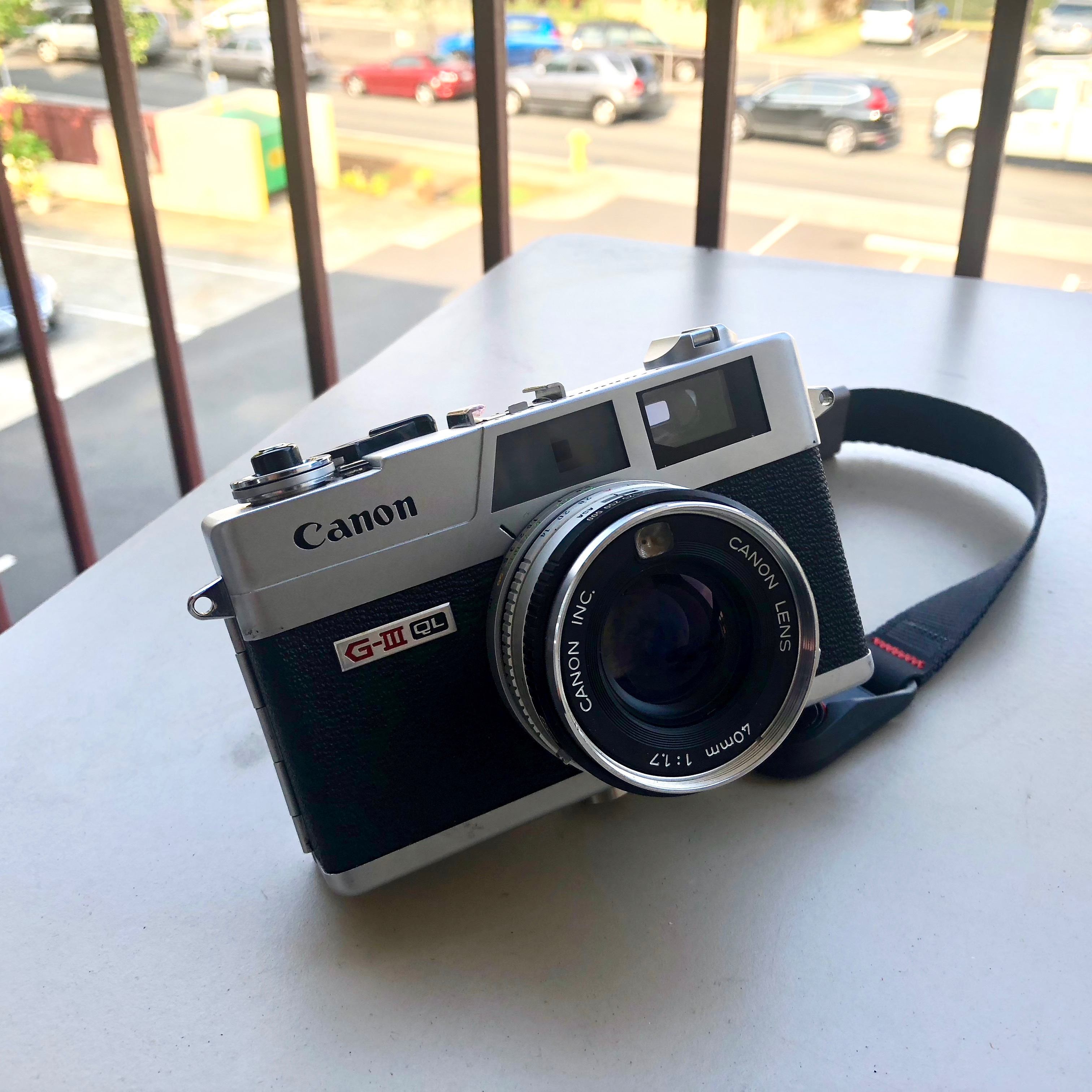
This one was purchased off of eBay from a well-rated seller who did some repairs and also modded it with a Schottky diode to accept 1.5v batteries instead of the original 1.35v mercury cells.
You can read plenty about Canonets online so I won’t go into the details here, let’s just say I’m enjoying playing around with film again. I haven’t gotten any shots back from this camera yet so it may be that it doesn’t work at all…but I doubt that. It’ll work, anything wrong I’m afraid I’ll have to own.
So…digital or film? That’s the question. Maybe I’ll stick a pocket digital in my bag “just in case.” Is that cheating?
Here’s a shot from a low res scan shot with my Leica M3 with a Voigtlander 50mm lens. I was metering by hand and using Ilford HP5 400 ISO pushed to 800. Nice and contrasty. Good fun.
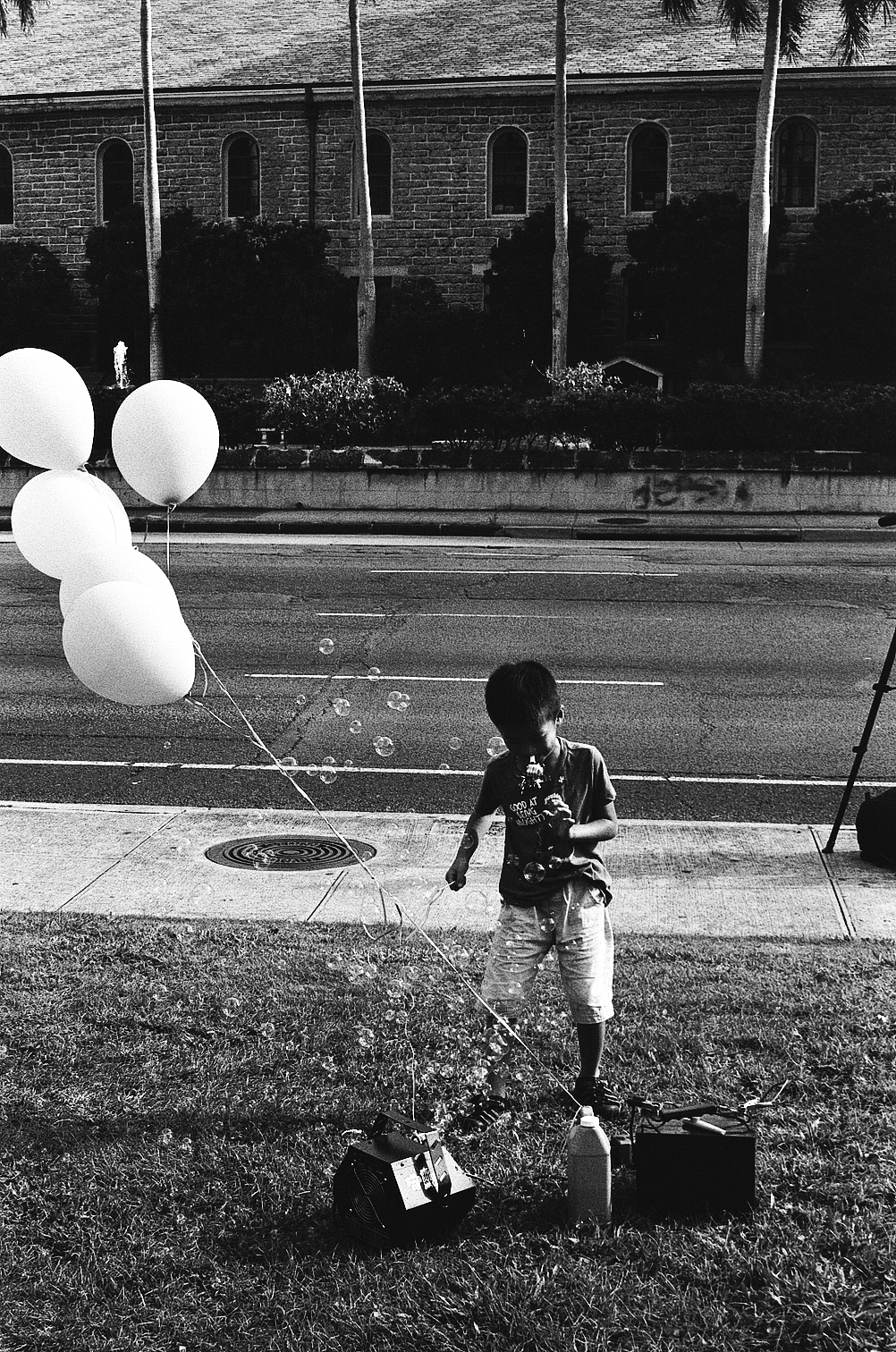
Maui no ka oi!
More photography…
I was thinking of buying yet another film camera the other day, this one a Leica Minolta CL. I’ll be honest, I love old rangefinders and film photography. Way back when, in my second collegiate attempt, or perhaps really my third, I took photography and loved it.
It was a traditional photography class because no one had a digital camera back in those days. They existed, but this was around 1989 or 1990, right around the time the first digital camera went on the market. You can read a little about it here.
So we used film. Indeed, for a while I even made a few bucks from shooting, developing in my own bathroom, then printing at the shared student union darkroom at the local U.
Back to that Minolta. As much as I’d like it, I own a bunch of film cameras in varying states of disrepair and, frankly, spending $1000 on a fifty year old body and lens for something I’ll use sparingly is…you get the point.
And, to top it off…I can just go grab some of the cameras I have in storage and use those. Darn it all…that’s just too easy and yes, that’s what I’m off to do right after work instead of writing like I should. Sigh.
Here’s a shot I tool some time back with one or another of my film cameras, probably a Yashica or Nikon.
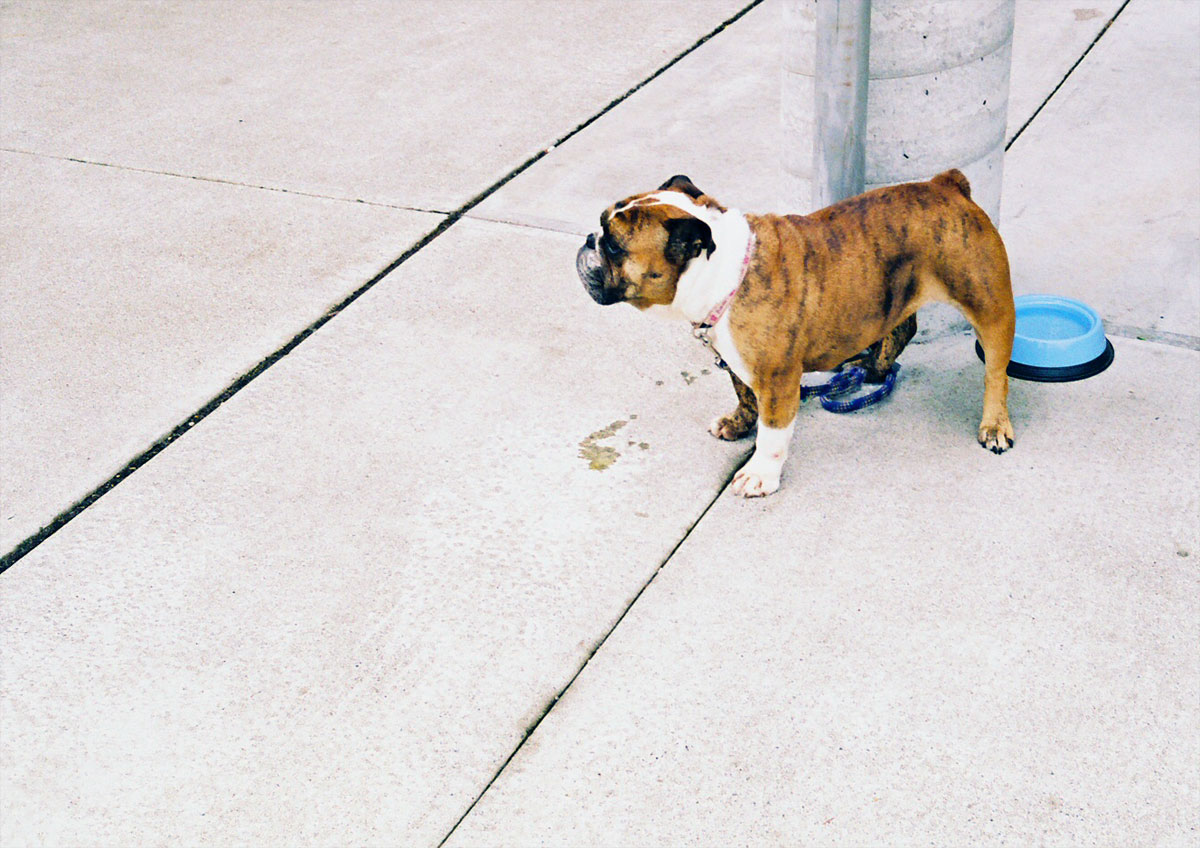
Testing Ulysesses with WordPress
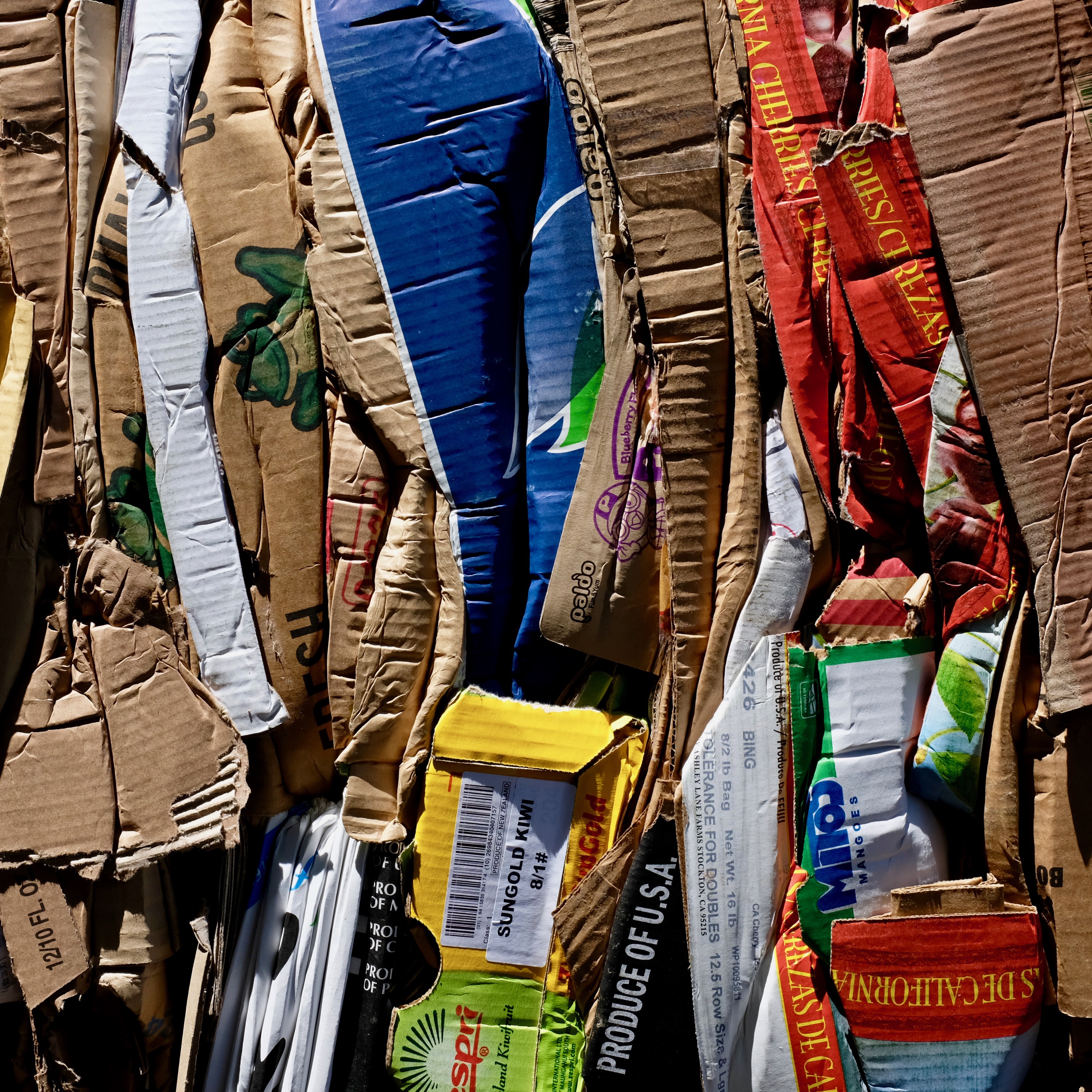
Does this work? Hmmmm….