Recently I’ve started writing using Ulysses for my Mac and, though not quite as often, on my iPad and iPhone. It’s a simply a great, simple editor using Markdown to format things. And it outputs to a number of formats including HMTL, PDF, Word, and, as here, publish to WordPress.
And that’s the rub. In truth, this is not a Ulysses problem at all. The same things can happen from any external editor that publishes to WP. I was able to duplicate the problem with MacJournal, I product I love…but never seem to use. I keep it around though, always promising…
Here’s the problem…the dread HTTP Error…the one that provides no additional information…just fails.
Well for me, it turned out that while I could post text entries, anything with a photo of any viewable size was failing. I wasn’t sure if it was my WordFence installation blocking me so I turned that off for a bit…still failed.
Back to the drawing board. There are actually a number of posts about HTTP Error errors…but most of them simply suggested changing the PHP memory limit – mine is pretty maxed out, or mucking about with the Imagick process limit in the .htaccess file. I’d tried those to no avail.
And then came across the wpbeginner.com site which held my answer; change the image processor.
ImageMagick (Imagick) is apparently the default on my setup (Bluehost), but GD Library is available as well. It seems, according to the article I read, to have fewer problems.
I edited my themes functions.php and voila! Fixed. This was the code I added per the article I’ve linked above:
function wpb_image_editor_default_to_gd( $editors ) {
    $gd_editor = 'WP_Image_Editor_GD';
    $editors = array_diff( $editors, array( $gd_editor ) );
    array_unshift( $editors, $gd_editor );
    return $editors;
}
add_filter( 'wp_image_editors', 'wpb_image_editor_default_to_gd' );
Nice.
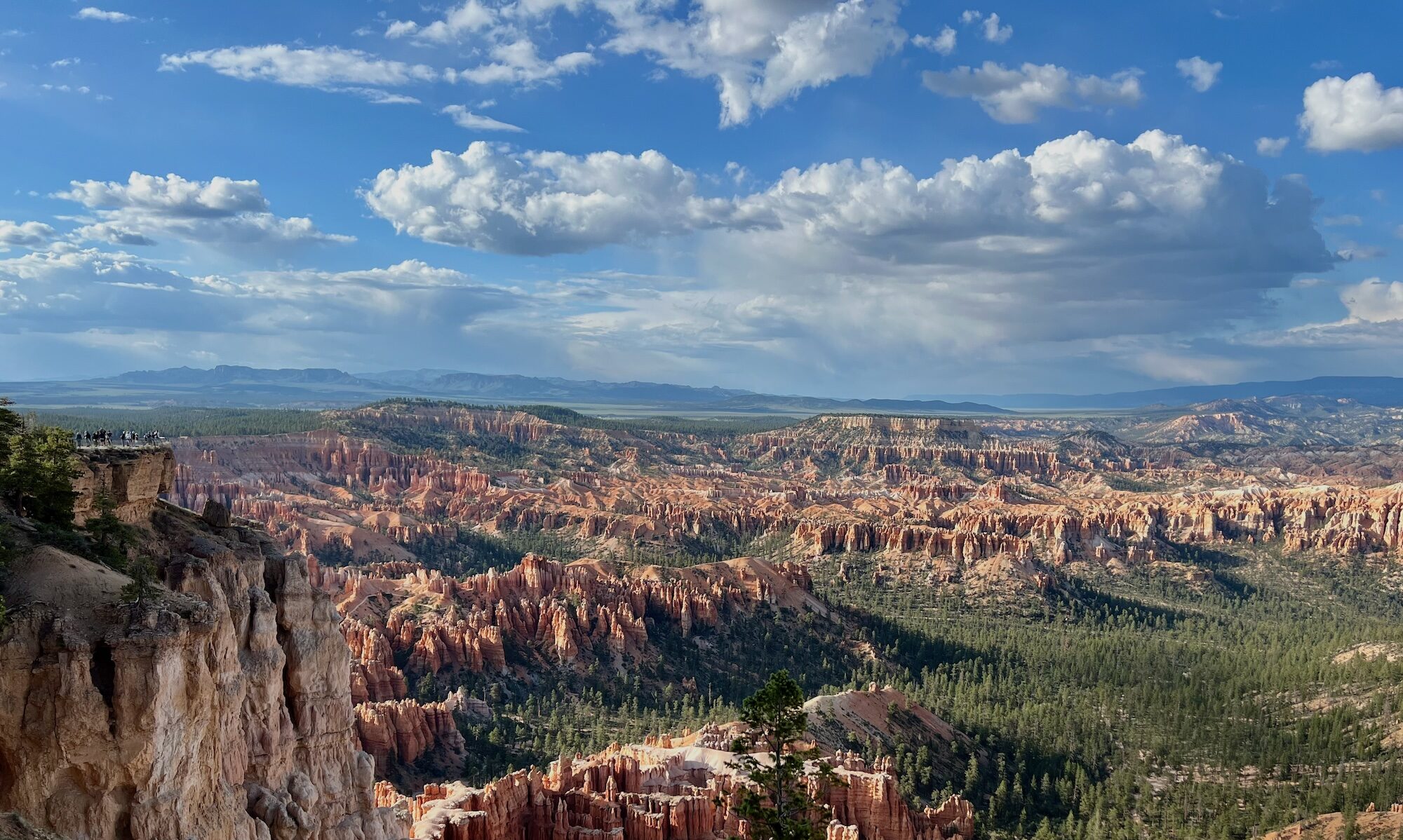
To prove it, here’s a big image which should have uploaded with no trouble! Yes!